SvelteKit Flags SDK Starter
A SvelteKit app using the @vercel/flags Flags SDK.
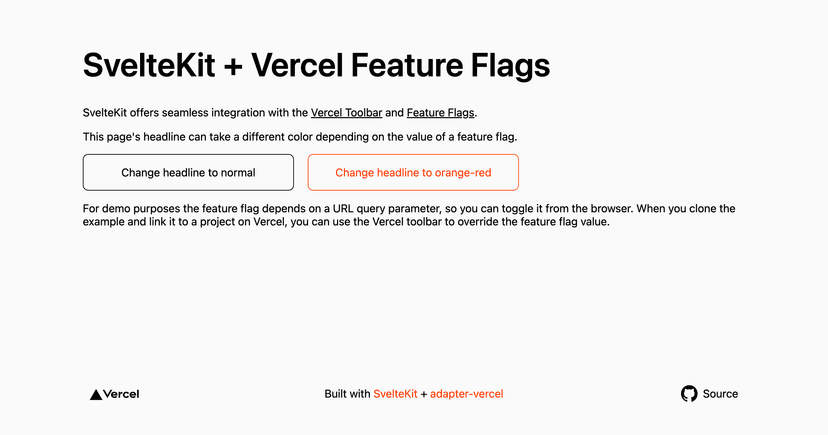


Vercel Toolbar Flags SvelteKit Starter
Simple SvelteKit template that uses the Vercel Toolbar and Feature Flags.
Demo
https://toolbar-feature-flags-sveltekit.vercel.app/
How to Use
You can choose from one of the following two methods to use this repository:
One-Click Deploy
Deploy the example using Vercel
Clone and Deploy
Execute the following command to download the example into the my-project folder:
1 npx degit@latest https://github.com/vercel/examples/toolbar/toolbar-feature-flags-sveltekit my-project
After installing the dependencies using pnpm install, create a new project in your Vercel Dashboard. In your project's settings, create an environment variable called FLAGS_SECRET. The value must have a specific length (32 random bytes encoded in base64) to work as an encryption key. You can create one using node:
1
node-e"console.log(crypto.randomBytes(32).toString('base64url'))"
In your local environment, connect to your created project using vercel link and then pull your environment variables with vercel env pull.
Next, run SvelteKit in development mode:
1 pnpm dev
Deploy it to the cloud with Vercel ( Documentation).